
Everything in the app
Fourteen pages,one per feature.
Every panel, card, and automation has a page: what it does, how to read it, why it exists. Start anywhere; the pages link to each other where the features meet.
The short game
Keep today from going wrong
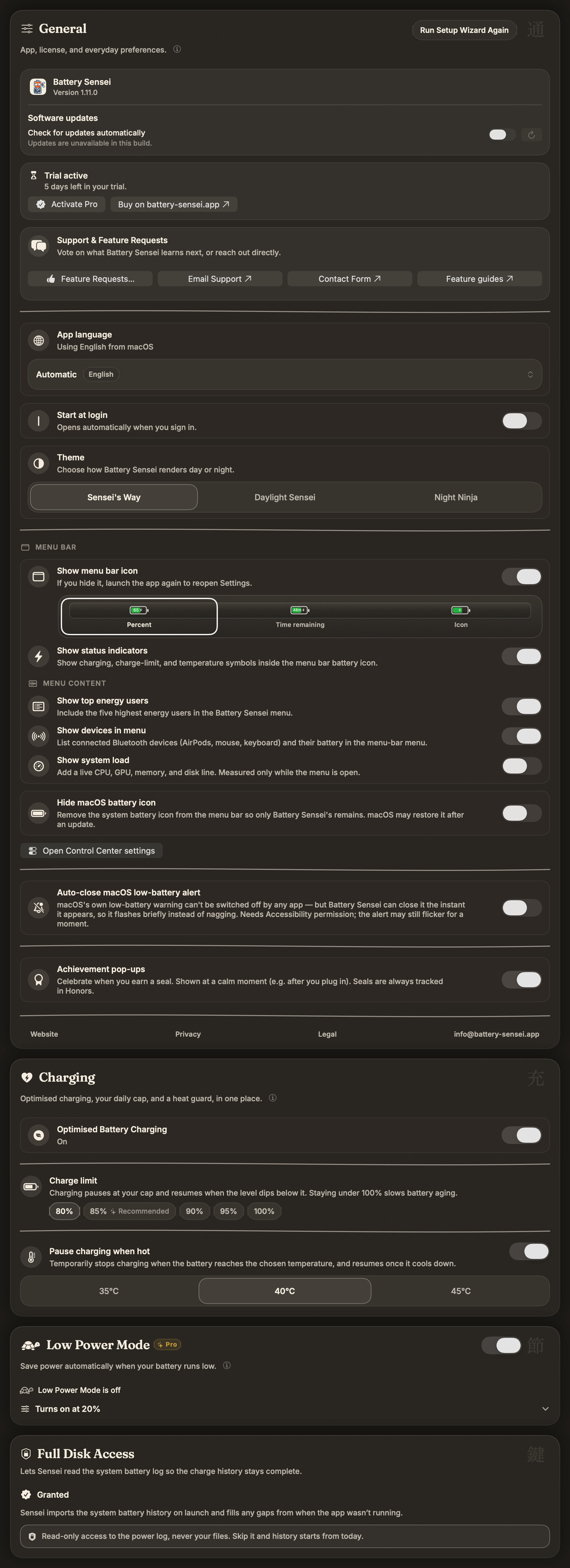
Most battery disasters are timing failures. The warning came too late, the meeting ran long, nobody switched Low Power Mode on. These four decide when Sensei speaks up and what it handles without asking, from a soft nudge at 15% to a forecast that knows your 3 PM call outlasts your charge.
The diagnosis
See where the power goes
A fast drain always has an author. Sometimes it's a process pinning one core. Sometimes it's the charger itself, negotiating 38 W out of a 96 W brick. Sensei lays the evidence out live, and "it died fast today" turns into a name you can quit.

The long game
Protect the pack for years
Capacity loss is slow, boring, and mostly self-inflicted: heat, hours parked at 100%, deep discharges. The countermeasures are automatable. Cap the daily charge, lift it for travel days, and read the health numbers as a trend, with the charge history right beside them.

The record
Know how you actually did
Weekly and monthly recaps compress the history into twenty seconds of reading: how long you ran unplugged, how deep you discharged, which rescues landed in time. The settings stay short, because everything Sensei knows lives on your Mac and nothing needs an account.
A live percentage answers "what now". It never answers "is this normal for me"; that takes a record.
Everything above runs on-device and is free to try. The fastest way to understand any of these pages is to watch the app react to your own battery.